
VPhoneGaga
Tools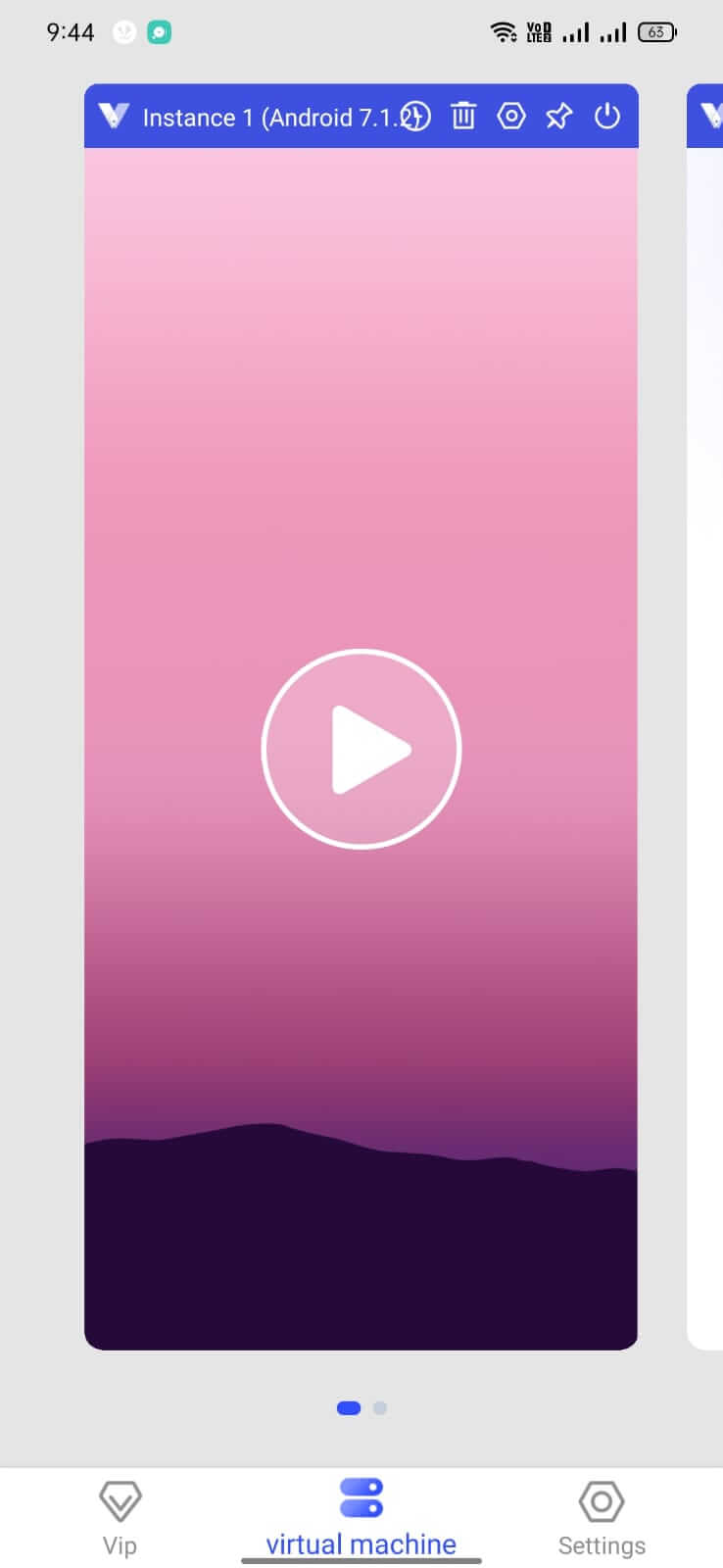
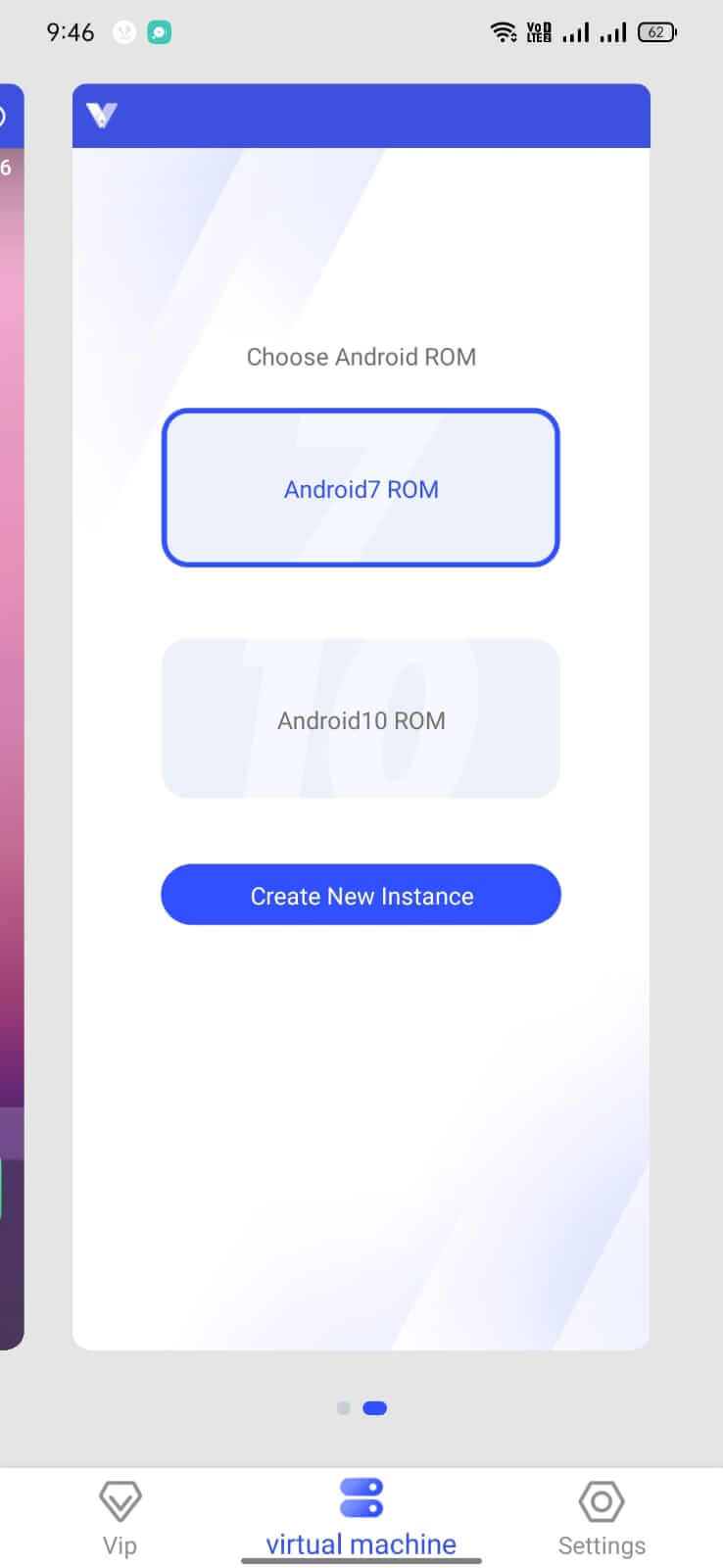
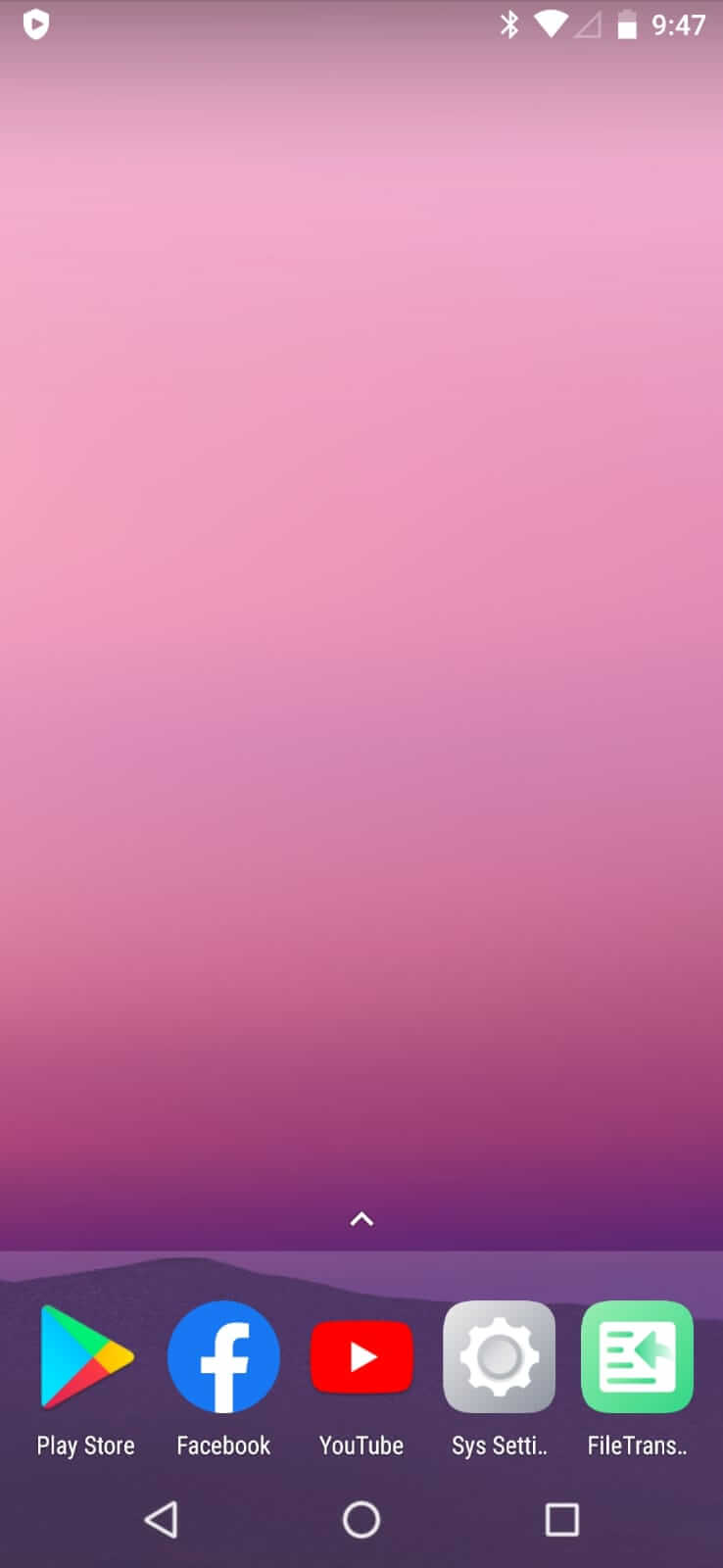
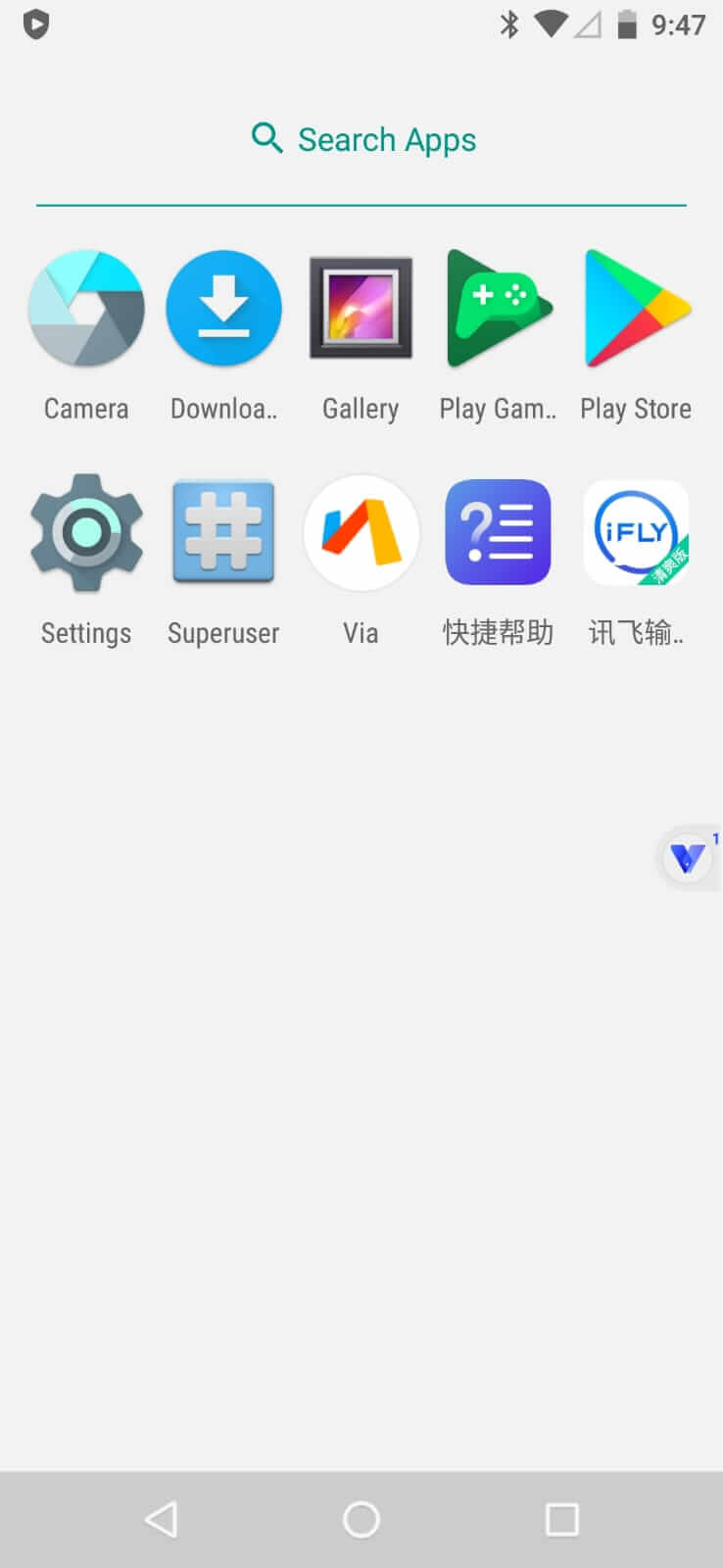
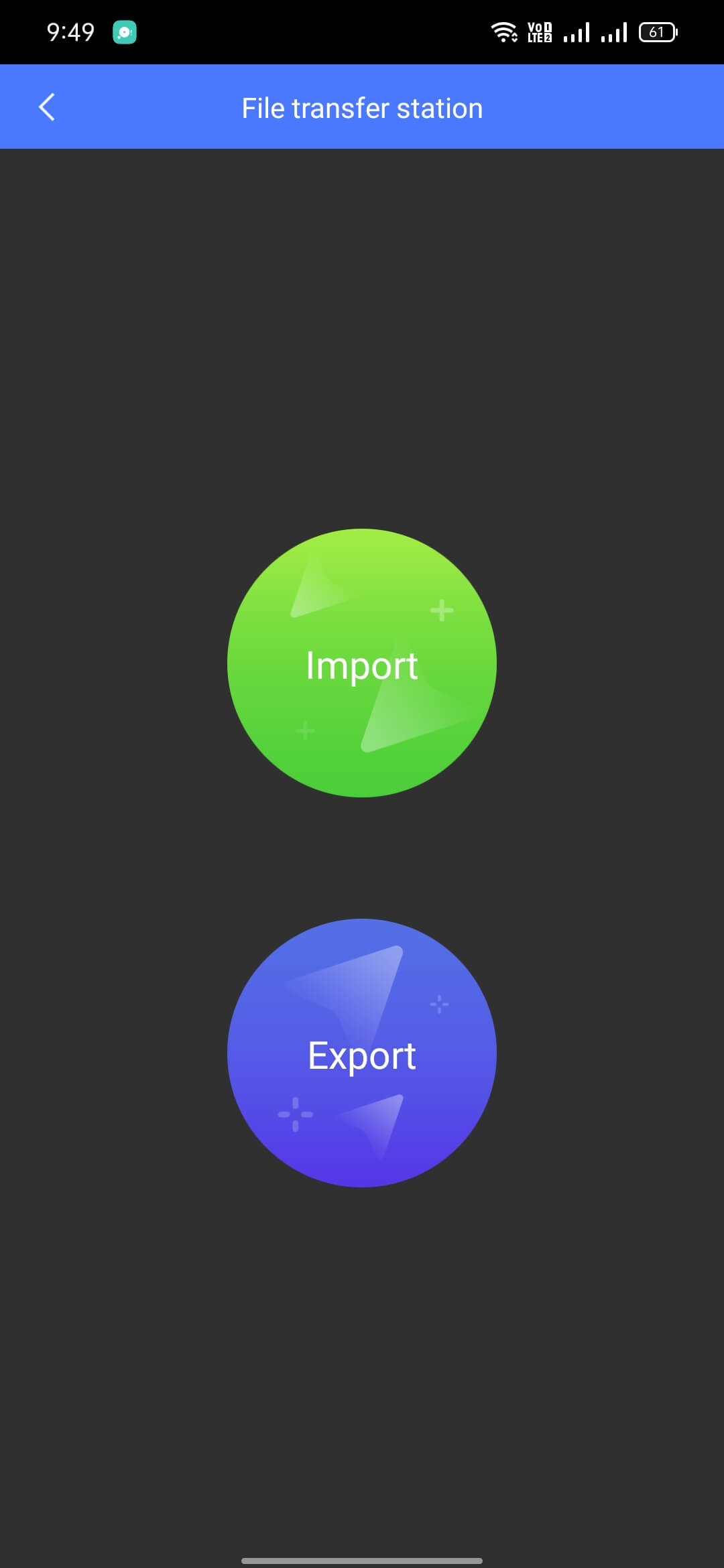
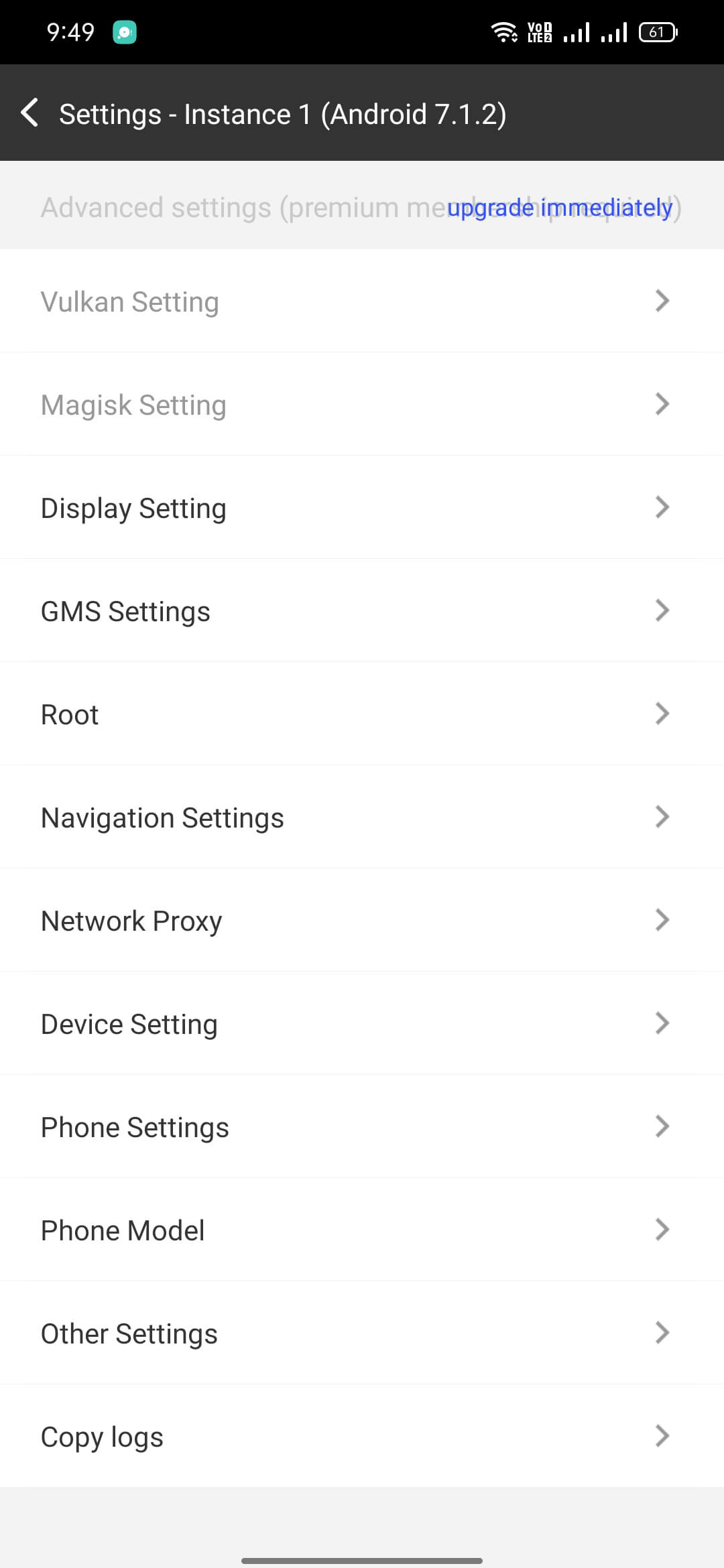

VPhoneGaga is a virtual machine‑style app for Android that creates an isolated space on your device. Inside this sandbox you can install and run other apps even if the same package already exists on your phone.
The tool is useful for users who need two separate instances of apps such as messaging or social platforms, without rooting or flashing a new ROM. This page provides the latest APK details, installation steps, and practical advice.
Quick Information
| App/Game Name | VPhoneGaga |
| Latest Version | 4.10.10 |
| Developer | Not listed |
| Category | Apps / Tools |
| App Size | 445 MB |
| Package Name | com.vphonegaga.titan |
| Last Updated | 21 October 2025 |
What Is VPhoneGaga?
VPhoneGaga acts as a lightweight virtual environment that runs alongside the main Android system. Once launched, it presents a separate app drawer where you can install any APK, including ones already present on the device. The virtual space isolates data, so each instance keeps its own login credentials, settings, and cache.
Key capabilities include:
- Installing duplicate copies of existing apps without conflict.
- Running two accounts of the same service (e.g., WhatsApp, Instagram) simultaneously.
- Operating without root access; it works on standard Android builds.
Limitations are typical for sandbox solutions: performance may be slightly lower than native installation, and some apps that rely heavily on hardware features or system‑level permissions might not function fully inside the virtual space.
Compatibility
| Android Version | ✓ Verified — Android 5.0 and later |
| Architecture (ARM64 / 32-bit) | Not Verified |
| Internet Connection | ✓ Verified — May be required for ads, updates, or login |
| Storage Needed | Not Verified |
| OBB/Data Files | Not Verified |
| Root Required | Not Verified |
How to Install
- Download the VPhoneGaga APK file to your device.
- Open Settings → Security (or Privacy → Install unknown apps) and enable installation from the source you used (browser, file manager, etc.).
- Tap the downloaded
VPhoneGaga.apkand follow the on‑screen prompts to install. - After installation, launch VPhoneGaga and grant the requested permissions (storage, overlay, etc.).
- Inside the virtual environment, use the built‑in Play Store or file manager to install the apps you want to duplicate.
Troubleshooting
- App not installed error: Ensure you have allowed installations from unknown sources and that the APK file is complete (re‑download if necessary).
- Crashes on startup: Clear VPhoneGaga’s cache via Settings → Apps → VPhoneGaga → Storage, then restart the app.
- Virtual apps won’t open: Verify that the virtual space has sufficient storage; delete unused virtual apps or increase allocated storage in VPhoneGaga’s settings.
- Login issues in duplicated apps: Some services detect multiple instances and may block logins. Try clearing data for the specific virtual app or use a different account.
Safety & Security
VPhoneGaga is a modified package that runs code outside the official Play Store ecosystem. While the app itself does not request dangerous permissions beyond storage and overlay, you should still:
- Download the APK from a reputable source that provides hash verification.
- Review the permissions during installation and reject any that seem unrelated to its core function.
- Avoid entering sensitive personal data (bank details, passwords) into any duplicated app unless you trust the virtual environment.
- Remember that future official updates of the original apps may not work inside VPhoneGaga until the virtual environment itself is updated.
How VPhoneGaga Compares
| Feature | VPhoneGaga | Parallel Space | Island |
|---|---|---|---|
| Price / Model | Free (ad‑supported) | Free with optional premium | Free, open‑source |
| Platform Availability | Android | Android | Android (requires Android 5+) |
| Standout Feature | Full virtual machine sandbox | Easy app cloning UI | Work profile isolation (no ads) |
| Best For | Users needing a separate Android environment for duplicate apps | Quick dual‑app setup with minimal configuration | Privacy‑focused users who want ad‑free isolation |
Alternatives
- Parallel Space – Popular cloning tool with a simple interface; supports most social and gaming apps.
- Island – Uses Android’s built‑in work profile to isolate apps; open source and ad‑free.
- Dual Apps (Xiaomi) – Built‑in feature on Xiaomi devices that creates a second instance of selected apps.
- App Cloner – Allows you to modify APKs (e.g., change package name) to install multiple copies, but may require root for some functions.
Final Verdict
VPhoneGaga offers a solid virtual space for running duplicate apps without rooting, making it a practical choice for power users who need two accounts on the same device. Its free, ad‑supported model keeps entry barriers low, though performance can be modest compared to native installations. Verify the APK’s integrity before installing, and be aware that some apps may still block multiple logins inside the sandbox.
Frequently Asked Questions
VPhoneGaga creates a virtual Android environment on your device, allowing you to install and run duplicate copies of apps that are already installed.
Yes, the virtual space lets you install a second WhatsApp instance, giving each account its own data and login.
No, VPhoneGaga works on standard, non‑rooted Android devices.
The app runs on Android 5.0 and newer; however, performance may vary on older devices.
Enable installations from unknown sources, download the APK from a trusted site, verify its hash if available, and follow the standard install prompts.
Some apps rely on hardware features or system‑level permissions that the virtual environment cannot fully provide, leading to instability.
Updates must be downloaded and installed manually; the virtual environment does not auto‑update like Play Store apps.
Yes, the virtual space isolates data, so the original and virtual instances operate independently.